---
title: Why Patching is Essential for Secure, Reliable IT Support
description: Learn why regular patching is crucial for securing IT systems, reducing vulnerabilities and meeting Cyber Essentials requirements.
image: https://blog.grantmcgregor.co.uk/hubfs/Why%20Patching%20is%20Essential%20for%20Secure%2c%20Reliable%20IT%20Support%20Grant%20McGregor.png
---
[](https://www.grantmcgregor.co.uk/)
- [Home](https://grantmcgregor.co.uk/)
- About Us
- [Our Story](https://grantmcgregor.co.uk/about-us/our-story)
- [Meet the Team](https://grantmcgregor.co.uk/about-us/meet-the-team)
- [Certifications](https://grantmcgregor.co.uk/about-us/certifications)
- [Careers](https://grantmcgregor.co.uk/about-us/careers)
- IT Support Services
- [IT Support Services](https://grantmcgregor.co.uk/it-support-services)
- [People Centric Support](https://grantmcgregor.co.uk/it-support-services/people-centric-support)
- [Enhanced Security Service](https://grantmcgregor.co.uk/it-support-services/enhanced-security-service)
- [Cyber Security](https://grantmcgregor.co.uk/cyber-security)
- Professional IT Services
- [Professional IT Services](https://grantmcgregor.co.uk/professional-it-services)
- [Microsoft 365](https://grantmcgregor.co.uk/professional-it-services/microsoft-365-business-premium)
- [Microsoft Copilot](https://grantmcgregor.co.uk/professional-it-services/microsoft-365-copilot)
- [AI Adoption Services](https://grantmcgregor.co.uk/ai-adoption-services)
- [Microsoft Azure](https://grantmcgregor.co.uk/professional-it-services/microsoft-azure)
- [MDR](https://blog.grantmcgregor.co.uk/mdr-vs-soc-cyber-security-defence)
- [Microsoft Teams Phone](https://grantmcgregor.co.uk/professional-it-services/microsoft-teams-phone)
- [KnowBe4](https://grantmcgregor.co.uk/professional-it-services/knowbe4)
- [DMARC](https://grantmcgregor.co.uk/professional-it-services/dmarc)
- [Enclave Networks](https://grantmcgregor.co.uk/professional-it-services/enclave-networks)
- Knowledge Hub
- [Case Studies](https://grantmcgregor.co.uk/knowledge-hub/case-studies)
- [Testimonials](https://grantmcgregor.co.uk/knowledge-hub/success-stories)
- [Blog](https://grantmcgregor.co.uk/knowledge-hub/blog)
- [Podcast](https://grantmcgregor.co.uk/knowledge-hub/podcast)
- [Client Area](https://grantmcgregor.co.uk/client-area)
- [Contact us](https://grantmcgregor.co.uk/contact-us)
- [Home](https://grantmcgregor.co.uk/)
- About Us
- [Our Story](https://grantmcgregor.co.uk/about-us/our-story)
- [Meet the Team](https://grantmcgregor.co.uk/about-us/meet-the-team)
- [Certifications](https://grantmcgregor.co.uk/about-us/certifications)
- [Careers](https://grantmcgregor.co.uk/about-us/careers)
- IT Support Services
- [IT Support Services](https://grantmcgregor.co.uk/it-support-services)
- [People Centric Support](https://grantmcgregor.co.uk/it-support-services/people-centric-support)
- [Enhanced Security Service](https://grantmcgregor.co.uk/it-support-services/enhanced-security-service)
- [Cyber Security](https://grantmcgregor.co.uk/cyber-security)
- Professional IT Services
- [Professional IT Services](https://grantmcgregor.co.uk/professional-it-services)
- [Microsoft 365](https://grantmcgregor.co.uk/professional-it-services/microsoft-365-business-premium)
- [Microsoft Copilot](https://grantmcgregor.co.uk/professional-it-services/microsoft-365-copilot)
- [AI Adoption Services](https://grantmcgregor.co.uk/ai-adoption-services)
- [Microsoft Azure](https://grantmcgregor.co.uk/professional-it-services/microsoft-azure)
- [MDR](https://blog.grantmcgregor.co.uk/mdr-vs-soc-cyber-security-defence)
- [Microsoft Teams Phone](https://grantmcgregor.co.uk/professional-it-services/microsoft-teams-phone)
- [KnowBe4](https://grantmcgregor.co.uk/professional-it-services/knowbe4)
- [DMARC](https://grantmcgregor.co.uk/professional-it-services/dmarc)
- [Enclave Networks](https://grantmcgregor.co.uk/professional-it-services/enclave-networks)
- Knowledge Hub
- [Case Studies](https://grantmcgregor.co.uk/knowledge-hub/case-studies)
- [Testimonials](https://grantmcgregor.co.uk/knowledge-hub/success-stories)
- [Blog](https://grantmcgregor.co.uk/knowledge-hub/blog)
- [Podcast](https://grantmcgregor.co.uk/knowledge-hub/podcast)
- [Client Area](https://grantmcgregor.co.uk/client-area)
- [Contact us](https://grantmcgregor.co.uk/contact-us)
[Contact Us](https://grantmcgregor.co.uk/contact-us)
[Back to main](https://grantmcgregor.co.uk/knowledge-hub/blog)
IT Strategy
# Why Patching is Essential for Secure, Reliable IT Support
Grant McGregor Team
2 March 2026 • 5 min read
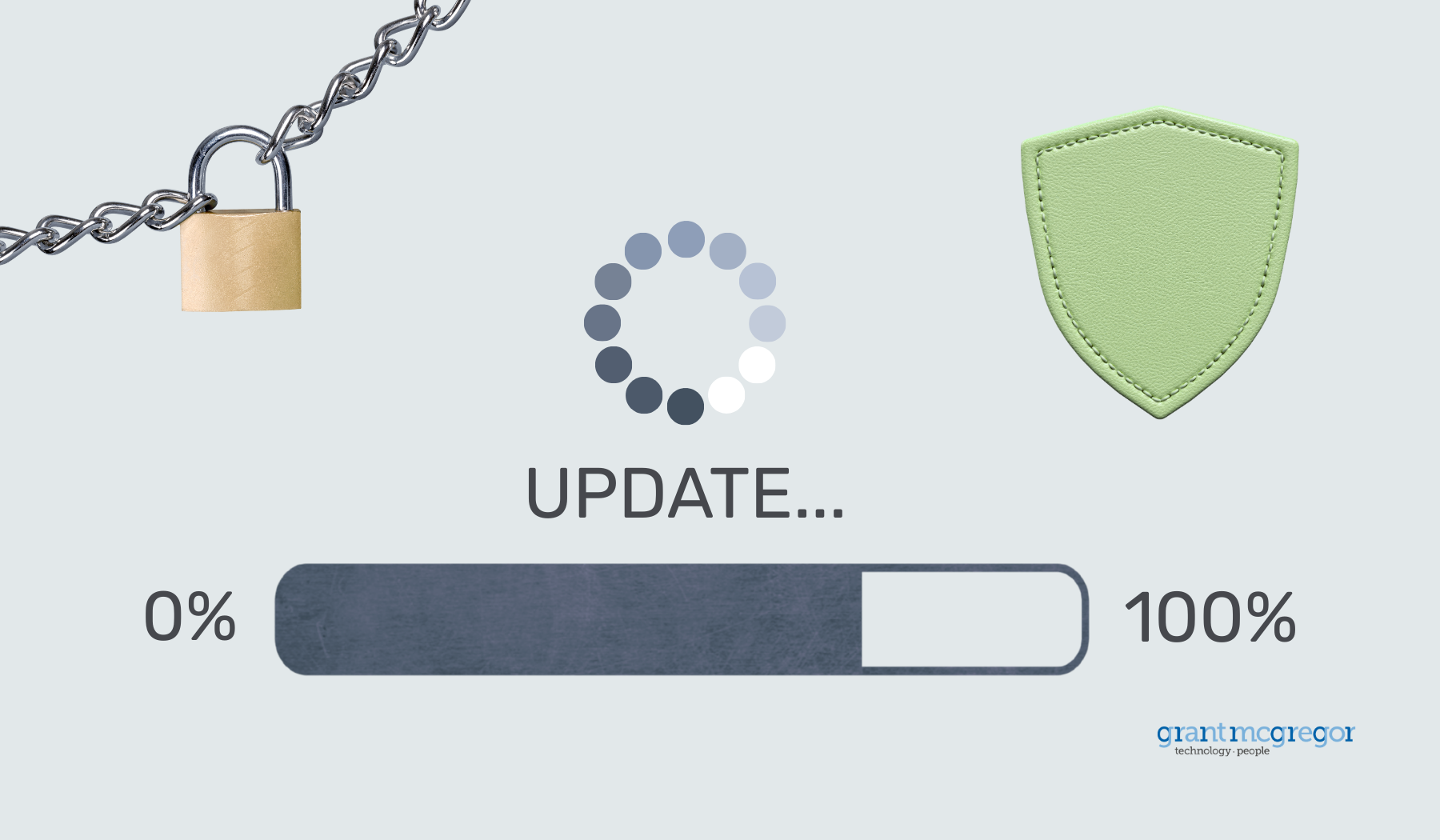
Keeping software up to date is one of the simplest ways to reduce security risk and keep systems running smoothly. Yet updates are often postponed or treated as an occasional task rather than part of everyday IT maintenance.
So why does patching still get pushed aside?
In this article, we explore why patching remains important and how it supports a secure, reliable IT experience.
### **What is patch management? **
You've likely seen update reminders appear at the least convenient moments.
It's easy to click "later" and move on, but what's actually happening behind the scenes when those updates are applied?
Patch management is the process of identifying, testing and applying software updates to fix security flaws, improve stability and reduce risk.
These updates apply to Microsoft platforms, operating systems and the third-party applications your team relies on every day.
When managed properly, they help protect systems from malware, cyber threats and unexpected disruption.
Patching keeps software up to date. Some risks can be resolved through updates alone, while others require additional steps such as configuration changes, removing unsupported software or strengthening security controls. This is why patch management works best as part of a layered cyber security approach that protects people, devices and data together.
### **What’s the difference between patching and updates?**
Although the terms are often used interchangeably, "patching" and "updates" serve slightly different purposes. Understanding this distinction helps clarify how software is maintained and secured.
- **Patch**
a targeted software fix or improvement
- **Security patch**
fixes vulnerabilities and reduces risk
- **Other patches**
address bugs, stability or compatibility issues
- **Updates**
a broader term that can include patches, new features or performance improvements
### **Why patching is more than routine maintenance**
It's easy to think of updates as housekeeping. In reality, they're one of the most effective ways to strengthen your organisation's security posture.
Many cyber incidents exploit vulnerabilities that already have fixes available. Keeping systems up to date closes those gaps before they can be used against you.
Consistent patching helps organisations:
- Reduce the risk of known vulnerabilities being exploited
- Prevent common malware and ransomware attacks
- Maintain system performance and stability
- Support compliance and recognised security standards
- Build confidence in day-to-day operations
Rather than a reactive task, patching becomes a steady, proactive safeguard.
### **Patch Tuesday: did you know?**
The second Tuesday of each month is a date that IT teams know well.
This is when Microsoft releases its latest security updates to address newly discovered vulnerabilities in Windows, Microsoft 365 and related services.
Because this schedule is predictable, updates can be reviewed, tested and deployed in a controlled way that minimises disruption, helping systems stay secure and resilient.
### **What many cyber attacks have in common**
Most cyber attacks start with simple oversights. Many exploit known vulnerabilities that already have fixes available.
Keeping systems patched closes these gaps and removes easy entry points for attackers before they can be exploited.
### **Patch management as part of reliable, People Centric IT Support **
Patch management is essential for organisations of all sizes, yet managing it internally can be time-consuming and complex.
Within our [People Centric Support](https://grantmcgregor.co.uk/it-support-services/people-centric-support) model, patching forms part of day-to-day IT management. Updates are reviewed and applied carefully to maintain security while minimising disruption to users.
At Grant McGregor, patch management is included as standard within People Centric Support. We manage security updates as they're released, keeping your systems secure and supported without adding pressure to your team.
This gives your team confidence that systems are maintained and protected. We take care of security updates and address vulnerabilities.
### **Patching and Cyber Essentials: what you need to know **
Regular patching is key to meeting Cyber Essentials requirements.
All supported software, operating systems and firmware must be kept up to date, with high- and critical-level security updates applied within 14 days of release.
For patching to be effective, organisations need an accurate overview of what software is installed. This ensures nothing is overlooked. Removing outdated or unsupported applications reduces risk, while enabling automatic updates helps ensure security fixes are applied promptly.
As a certified Cyber Advisor, Grant McGregor helps organisations understand and meet these requirements as part of a practical, layered approach to [cyber security](https://grantmcgregor.co.uk/cyber-security).
### **Keeping patching consistent, compliant and under control**
Applying updates is only part of the process. In many environments, patches are reviewed and tested before deployment to ensure they don't disrupt critical systems or workflows. This controlled approach helps maintain stability while keeping security up to date.
Handled consistently, patch management supports compliance requirements as well as day-to-day reliability. Systems remain supported, security updates are applied within expected timeframes and organisations can demonstrate a clear, responsible approach to managing risk.
**If you'd like to discuss how patching and security updates support compliance and day-to-day reliability, our experienced team is here to help.**
Call us: 0131 603 7910
Message us: [https://www.grantmcgregor.co.uk/contact-us](https://www.grantmcgregor.co.uk/contact-us)
[](https://cta-redirect.hubspot.com/cta/redirect/6138324/ee2a578f-e4c7-437c-bcdc-7f04f9d1e161)
Grant McGregor Team
2 March 2026 • 5 min read
## Recent Posts
### Cyber Security Awareness Month: Why Attackers Still Target the Basics
Learn key cyber security practices for your organisation during Cyber Security Awareness Month. Protect against basic vu...
[Read More](https://blog.grantmcgregor.co.uk/cyber-security-awareness-month)
### Shadow AI: Is Your Business Ready for AI Adoption?
Understand shadow AI's impact on your business. Discover how to assess risks, improve processes, and adopt AI securely w...
[Read More](https://blog.grantmcgregor.co.uk/shadow-ai-is-your-business-ready-for-ai-adoption)
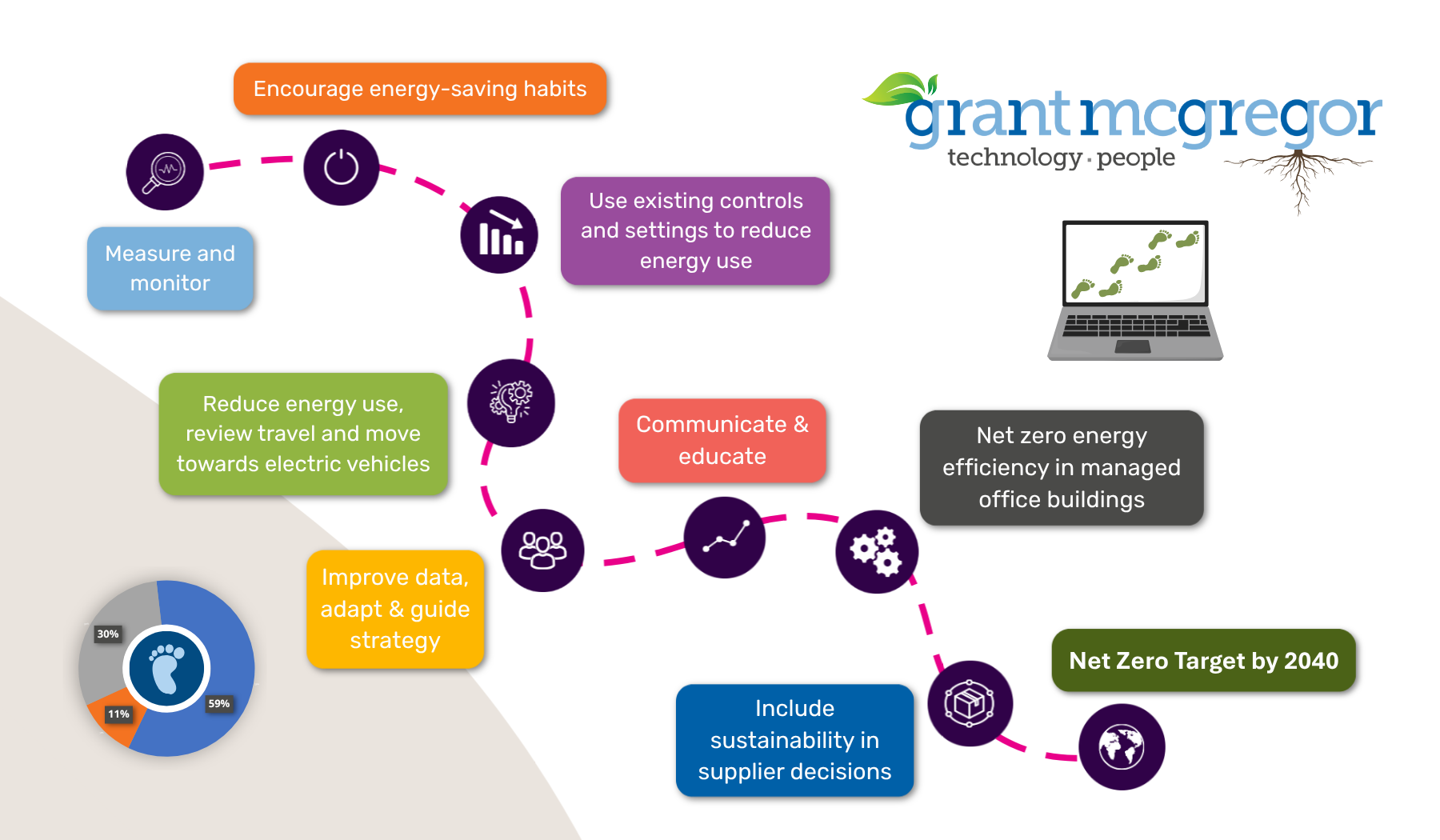
### Our Net Zero Target for 2040: What Can We Change?
From company vehicles and travel to suppliers and technology, see how Grant McGregor is working towards its net zero tar...
[Read More](https://blog.grantmcgregor.co.uk/our-net-zero-target-for-2040-what-can-we-change)
### What Is Penetration Testing? A Guide for Businesses
Learn what penetration testing is, how it works, what the report should include and when your business should consider a...
[Read More](https://blog.grantmcgregor.co.uk/what-is-penetration-testing-a-guide-for-businesses)
Union
## Empower your business with secure, expert-led solutions.
Talk to us about people-focused technology that drives results.
[Start a conversation](https://grantmcgregor.co.uk/contact-us)



Premium IT Services Tailored for Leading Brands
[Follow us on LinkedIn](https://www.linkedin.com/company/grant-mcgregor-ltd/) [Follow us on Facebook](https://www.youtube.com/itgrantmcgregor) [Follow us on Facebook](https://www.facebook.com/grantmcgregorltd/) [Follow us on Twitter](https://x.com/GrantMcGregorIT)
Quick Links
- [Home](https://grantmcgregor.co.uk)
- [About us](https://grantmcgregor.co.uk/about-us/our-story)
- [Knowledge Hub](https://grantmcgregor.co.uk/knowledge-hub/blog)
- [Contact us](https://grantmcgregor.co.uk/contact-us)
Services
- [People Centric Support](https://grantmcgregor.co.uk/it-support-services/people-centric-support)
- [Enhanced Security Service](https://grantmcgregor.co.uk/it-support-services/enhanced-security-service)
- [Professional IT Services](https://grantmcgregor.co.uk/professional-it-services)
- [Cyber Security](https://grantmcgregor.co.uk/cyber-security)
Edinburgh – Chesterfield

[0131 603 7910](tel:+441316037910)

[info@grantmcgregor.co.uk](mailto:info@grantmcgregor.co.uk)

**Main Office:**
The Merchants' Hall,
22 Hanover St,
Edinburgh EH2 2EP
© 2026
Grant McGregor. All rights reserved.
[Privacy and Cookie Policy](https://blog.grantmcgregor.co.uk/hubfs/UsefulDownloads/Policies/GRMC-SEC-Privacy-and-Cookie-Policy.pdf)
```json
{
"@context" : "https://schema.org",
"@type" : "BlogPosting",
"author" : {
"@type" : "Person",
"name" : "Grant McGregor Team",
"url" : "https://blog.grantmcgregor.co.uk/author/grmc-team"
},
"dateModified" : "2026-03-04T08:43:36.651Z",
"datePublished" : "2026-03-02T16:25:34.000Z",
"headline" : "Why Patching is Essential for Secure, Reliable IT Support",
"image" : [ "https://blog.grantmcgregor.co.uk/hubfs/Why%20Patching%20is%20Essential%20for%20Secure%2c%20Reliable%20IT%20Support%20Grant%20McGregor.png" ],
"mainEntityOfPage" : {
"@id" : "https://blog.grantmcgregor.co.uk/why-patching-is-essential-for-secure-reliable-it-support",
"@type" : "WebPage"
},
"publisher" : {
"@type" : "Organization",
"logo" : {
"@type" : "ImageObject",
"url" : "https://blog.grantmcgregor.co.uk/hubfs/GRMC_blue_logo.svg"
},
"name" : "Grant McGregor"
}
}
```
```json
{
"@context" : "https://schema.org",
"@id" : "https://grantmcgregor.co.uk/",
"@type" : "LocalBusiness",
"address" : {
"@type" : "PostalAddress",
"addressCountry" : "GB",
"addressLocality" : "Edinburgh",
"postalCode" : "EH2 2EP",
"streetAddress" : "22 Hanover Street"
},
"geo" : {
"@type" : "GeoCoordinates",
"latitude" : 55.9526313,
"longitude" : -3.1970679
},
"image" : "https://grantmcgregor.co.uk/hubfs/GRMC_blue_logo.svg",
"name" : "Grant McGregor",
"openingHoursSpecification" : {
"@type" : "OpeningHoursSpecification",
"closes" : "18:00",
"dayOfWeek" : [ "Monday", "Tuesday", "Wednesday", "Thursday", "Friday" ],
"opens" : "08:00"
},
"sameAs" : [ "https://www.facebook.com/grantmcgregorltd/", "https://x.com/GrantMcGregorIT", "https://www.youtube.com/itgrantmcgregor", "https://www.linkedin.com/company/grant-mcgregor-ltd/" ],
"telephone" : "+441316037910",
"url" : "https://grantmcgregor.co.uk/"
}
```
```json
{
"@context" : "https://schema.org",
"@type" : "BlogPosting",
"author" : {
"@type" : "Person",
"name" : "Grant McGregor team"
},
"dateModified" : "2025-03-02",
"datePublished" : "2025-03-02",
"headline" : "Why Patching is Essential for Secure, Reliable IT Support",
"image" : {
"@type" : "ImageObject",
"height" : 1050,
"url" : "https://info.grantmcgregor.co.uk/hubfs/Why Patching is Essential for Secure, Reliable IT Support Grant McGregor.png",
"width" : 1800
},
"mainEntityOfPage" : {
"@id" : "https://blog.grantmcgregor.co.uk/why-patching-is-essential-for-secure-reliable-it-support",
"@type" : "WebPage"
},
"publisher" : {
"@type" : "Organization",
"logo" : {
"@type" : "ImageObject",
"url" : "https://info.grantmcgregor.co.uk/hubfs/GM-logo-399.png"
},
"name" : "Grant McGregor"
},
"url" : "https://blog.grantmcgregor.co.uk/why-patching-is-essential-for-secure-reliable-it-support"
}
```