More and more organisations are exploring AI to help reduce admin, improve productivity and save time on repetitive tasks.
Whether it's Microsoft Copilot, ChatGPT, Claude or another AI tool, your team can summarise meetings, draft emails, analyse information and find answers in seconds.
But before connecting AI tools to emails, documents and business systems, it's important to understand what data those tools will have access to and how it will be protected.
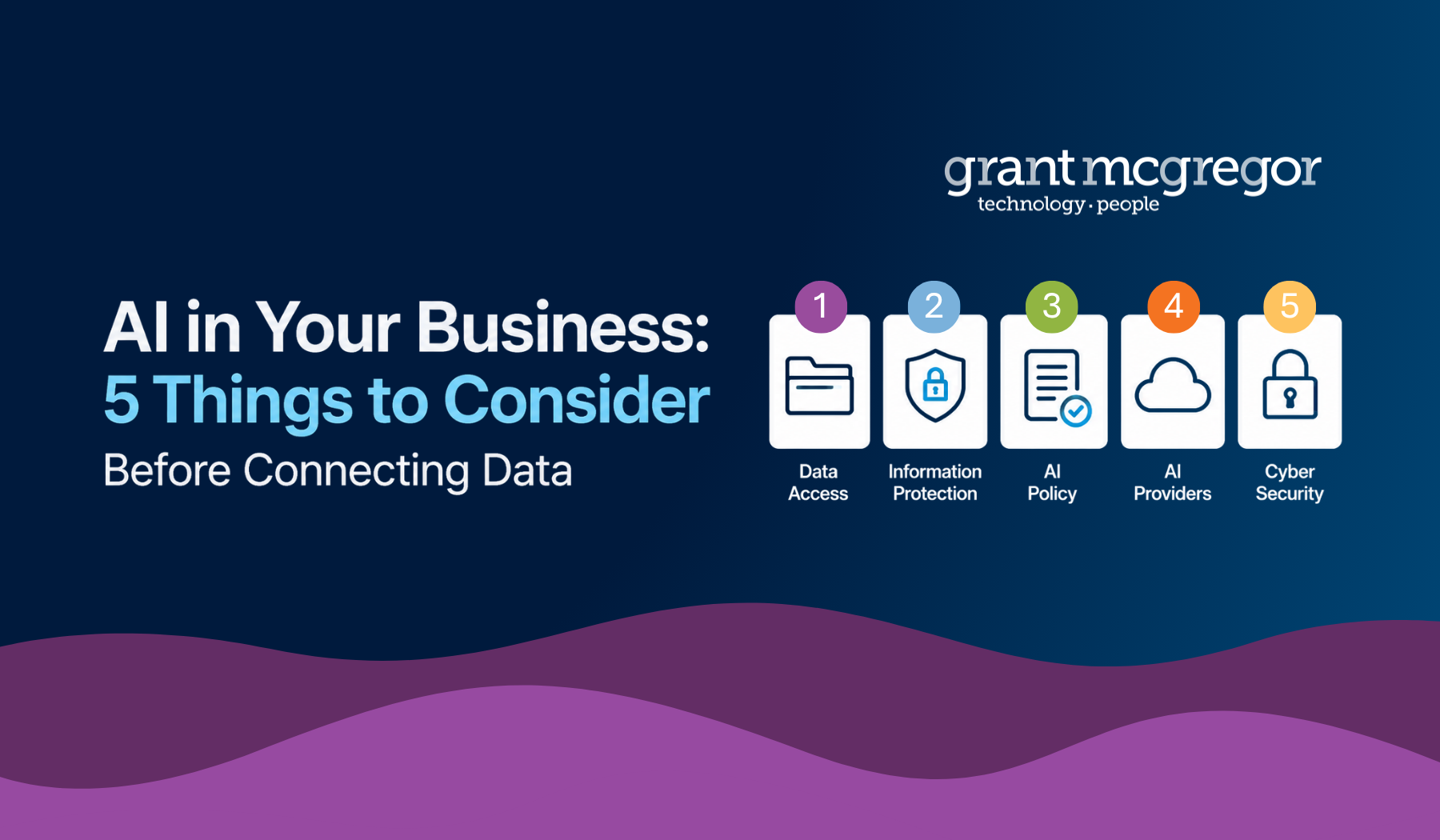
Here are five things worth considering before introducing new AI tools across your organisation.
1. Understand what information AI can access
 AI tools can only work with the information they have access to.
Many platforms can connect directly to Microsoft 365, giving users access to emails, Teams conversations, SharePoint files, OneDrive documents and other business information.
One of the advantages of Microsoft Copilot is that it works within Microsoft 365 and follows the permissions and security controls already set up for your users and data.
Many organisations are also exploring other AI platforms such as ChatGPT and Claude, which offer their own features and capabilities. Whichever platform you choose, it's important to understand what information it can access, where data is stored and how that information is protected.
2. Know how sensitive information is protected
Before giving AI tools access to business data, organisations should understand what information those tools can access and how it is protected.
Microsoft Information Protection and Microsoft Data Loss Prevention are two Microsoft 365 features that can help organisations classify, protect and control sensitive information.
Microsoft Information Protection
Microsoft Information Protection allows organisations to classify information based on how sensitive it is.
For example, documents and emails can be labelled as:
-
Public
-
Internal
-
Confidential
-
Restricted
Labels help employees understand how information should be handled and can automatically apply protections such as encryption and access restrictions.
Sensitive information remains protected even if it is shared outside the organisation.
Microsoft Data Loss Prevention
Microsoft Data Loss Prevention (DLP) helps prevent sensitive information from being shared inappropriately.
It can monitor activity across Microsoft 365 services including:
-
Outlook
-
Teams
-
OneDrive
-
SharePoint
Policies can identify sensitive information automatically and warn users, restrict actions or block sharing where appropriate.
This helps reduce the risk of accidental data exposure while still allowing employees to work productively.
3. Make sure employees know the rules
 Employees also need clear guidance on how AI should be used within your organisation.
An AI policy should clearly define:
-
Which AI tools are approved for business use?
-
What information can be shared with AI tools?
-
What information should never be entered into AI platforms?
-
Who is responsible for reviewing and approving new AI tools?
-
What are the organisation's compliance and data protection requirements?
Clear policies can help employees use AI with confidence while reducing the risk of sensitive information being shared inappropriately.
4. Understand how AI providers handle your data
Not all AI platforms work in the same way.
Before connecting a third-party AI tool to business systems, it's important to understand how the provider handles customer information.
Some useful questions to ask include:
-
Is customer data used to train AI models?
- Where does the AI provider store and process your data?
-
What data retention options are available?
-
Can the platform integrate with Microsoft Single Sign-On?
-
What security controls are available to administrators?
-
How does the provider manage access to customer information?
Many AI providers continue to strengthen their security capabilities, but organisations should still carry out appropriate checks before connecting business systems and data.
5. Don't forget the cyber security foundations
 In Frontier AI: what you need to know, the National Cyber Security Centre (NCSC) highlights how advances in AI are making it easier for attackers to identify and exploit weaknesses.
Tasks that once required specialist skills can increasingly be automated, allowing cyber criminals to operate more quickly and at greater scale. As a result, gaps in cyber security are more likely to be discovered and exploited.
The NCSC points out that AI doesn't change the fundamentals of cyber security, but it does make them more important.
Strong passwords, multi-factor authentication, access controls, staff awareness and data protection remain some of the most effective ways to reduce risk.
As AI becomes part of everyday business operations, these fundamentals remain just as important as ever.
Need help adopting AI securely?
Whether you're exploring Microsoft Copilot, considering third-party AI platforms or reviewing your Microsoft 365 security controls, our team can help.
We can assess your AI readiness, review your security and compliance controls, help you implement Information Protection and Data Loss Prevention policies, and support the secure integration of Microsoft Copilot and third-party AI platforms.

Have a question first?
Call 0131 603 7910 or visit our contact page.